October 16, 2026
Plan smart lock installation with practical checks for door fit, power, connectivity, setup and testing, plus signs it may be time to call a locksmith.

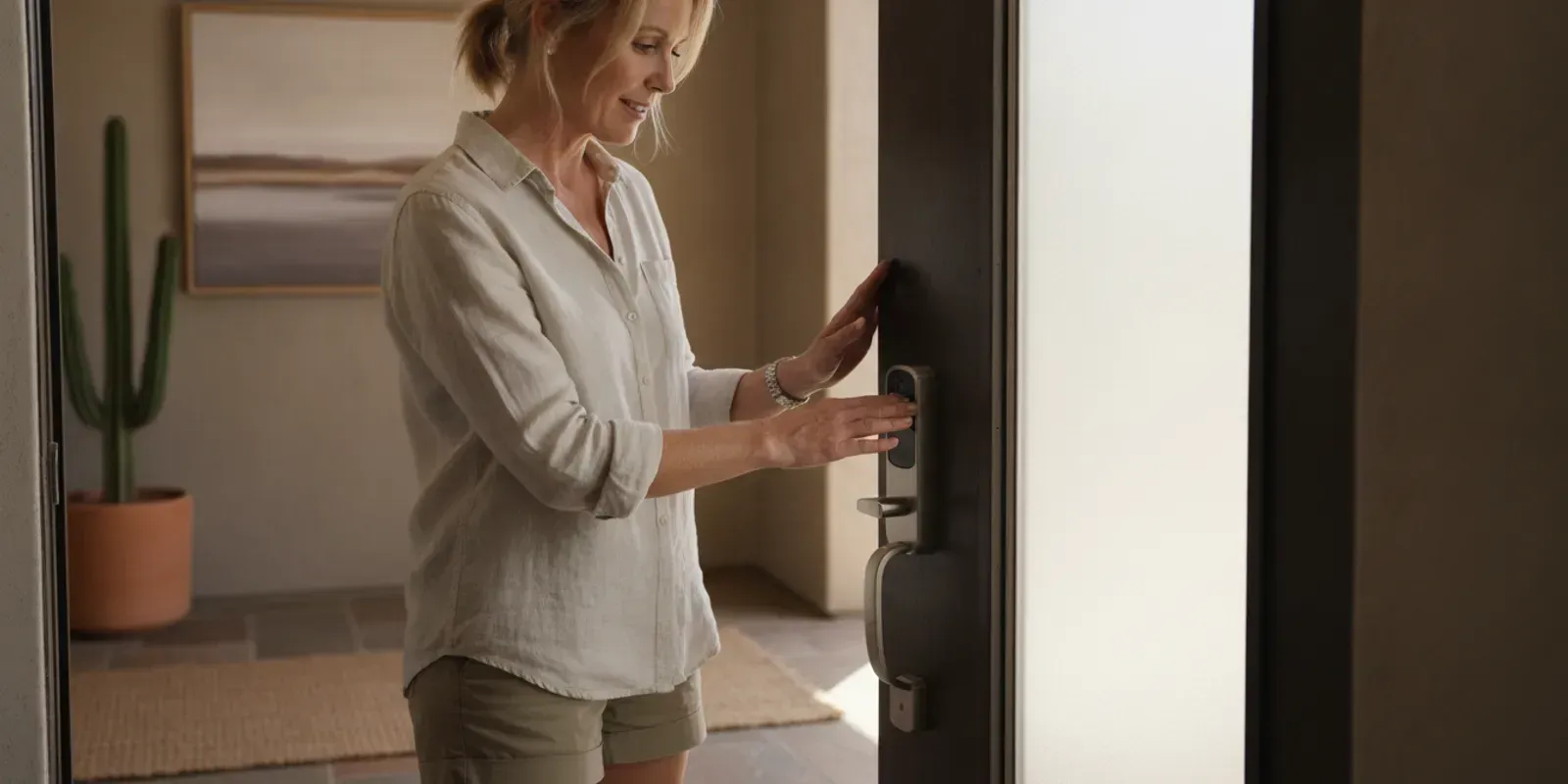
Smart lock installation is easier to plan when you check the door, lock style, power source and home network before opening the box. These details help you avoid a lock that does not fit, a setup that stops partway through, or a keypad that works but does not operate the deadbolt smoothly. A few measurements and a clear plan can make the difference between a straightforward project and one that needs professional attention.
Ask The LOCK Shop about your smart lock project
What should you check before smart lock installation?
Start by looking at the existing hardware and the door itself. Many smart locks replace a deadbolt, but models differ. Some use the existing exterior key cylinder and add an electronic interior assembly. Others replace more of the lock. A keypad deadbolt, a connected retrofit device and a product designed for a particular door are not interchangeable just because each is called a smart lock.
Read the product's compatibility information before you buy or install it. Check the lock type, door thickness, backset and hole dimensions against the instructions. The backset is the distance from the edge of the door to the center of the lock bore. If you are not sure what you have, compare the measurements with the manufacturer's diagram rather than estimating from a photo.
• Identify the existing lock. Determine whether it is a single-cylinder deadbolt, a knob or lever lock, a mortise lock, or another configuration. Do not assume a product made for a standard deadbolt will fit a different type.
• Check the door and frame. Look for cracks, loose hinges, a sagging door, a damaged strike plate or visible misalignment. The bolt should have a clear path into the strike opening.
• Confirm the measurements. Measure only as directed by the product maker. Compare door thickness, backset and bore size to its stated requirements.
• Review the power plan. Note the specified battery type, battery access and any emergency power method. Do not substitute a battery type without checking the instructions.
• Understand connectivity. Find out whether the lock uses Bluetooth, Wi-Fi, a separate hub, or more than one of these. The lock's basic keypad function and remote features may depend on different connections.
If you are comparing types of smart locks rather than planning a particular installation, see our article on smart locks for different doors and needs. This guide focuses on preparation, fit and setup rather than product rankings.
How do you know if the door and deadbolt are compatible?
Compatibility is more than whether the new lock fits through the hole. The door must also let the bolt extend and retract without binding. A lock may be installed correctly yet feel unreliable if the door presses against the frame or the bolt rubs on the strike plate. Electronic operation cannot correct a door alignment problem.
Close the door and turn the existing deadbolt with the inside thumb turn. It should move through its full travel without needing you to push, pull or lift the door. Then try it with the door open. If it works easily when open but becomes stiff when closed, the door or strike alignment may be the issue. This is a useful observation to share with an installer; it is not a reason to enlarge holes or force the bolt yourself.
Check that the door is a suitable location for the product. Exterior exposure, unusual construction and decorative or narrow door designs can affect fit and use. Follow the lock maker's instructions about weather exposure and placement. If the product's compatibility chart does not cover your setup, ask the manufacturer or a locksmith to confirm before removing existing hardware.
Also consider the interior side. Smart locks can have a larger interior housing than a traditional thumb turn. Make sure it will not hit nearby trim, a storm door, a screen door or other hardware as the door moves. Check that the battery cover can be opened for routine replacement. These simple checks matter in daily use, not just during installation.
What should you prepare before removing the old lock?
Set aside time to read the complete instructions, including setup and troubleshooting pages. Gather a screwdriver and any other tools specifically called for by the manufacturer. Keep the existing keys and removed hardware in a safe place until the new lock is working and you have decided what to do with the old parts. Do not use a power tool or a different fastener unless the directions permit it; overtightening or using the wrong screw can affect the lock's movement.
Before taking anything apart, confirm you can still enter the home another way if the installation takes longer than expected. Keep the door open while you test the new mechanism so you cannot accidentally lock yourself out. Do not close the door until the bolt has completed several smooth cycles, the keypad or other chosen entry method is set up, and you have verified the backup access method described by the manufacturer.
It can help to take a photo of the existing lock from both sides before removal. A photo gives you a reference for how the parts were oriented. Keep small screws and pieces grouped by step. If the interior assembly, cable or mounting plate does not match the instructions, stop and reassess rather than forcing a fit.
How does a typical smart lock installation work?
Exact steps vary by model, so the product instructions take priority. In general, a retrofit model may attach to the inside of an existing deadbolt, while a replacement model may require removing the old hardware and fitting a new exterior and interior assembly. Use the steps below as a planning outline, not as a substitute for the manufacturer's instructions.
• Check lock operation first. Test the current deadbolt with the door open and closed. Resolve or report binding before adding electronic hardware.
• Remove only the parts the instructions identify. Keep the door open and retain the original pieces. Avoid changing the door or frame to make an incompatible product fit.
• Fit the new lock carefully. Follow the specified orientation for the bolt, mounting plate and interior assembly. If there is a cable, route and connect it as shown. Keep wires clear of moving parts.
• Tighten and align the assembly. Secure the hardware as directed, but do not overtighten. Operate the bolt by hand if the instructions call for it. It should move freely rather than scraping, catching or requiring force.
• Install the specified batteries. Observe the polarity marks and use the battery type listed by the manufacturer. Close the battery compartment as directed.
• Complete the product's setup procedure. Follow its app, keypad or programming instructions. Some products ask you to calibrate or hand the lock; the exact sequence is model-specific.
• Test before closing the door. Lock and unlock the door several times using the interior control and each entry method you intend to use. Confirm the bolt travels fully and that the door remains easy to operate.
Pay attention to any resistance during the physical installation. A smart lock should not need to be forced into place. If the mounting plate will not sit flat, the cable is pinched, or the bolt stops short, remove power if directed and review the instructions. If the cause is not clear, pause and get help instead of repeatedly cycling a misaligned mechanism.
How should you plan app, code and network setup?
Separate the lock's mechanical operation from its connected features. Many electronic locks can offer local keypad or key operation while remote monitoring or control depends on a phone, network connection or accessory. Verify the functions that matter to you in the product's own documentation. Do not assume that every model offers remote access, alerts, voice-assistant support or the same app features.
Before setup, check whether the manufacturer's app is compatible with your phone and operating system. Review any account or connection requirements and make sure you can access the email address or phone number used for account recovery. If the lock uses a hub or bridge, follow the maker's placement and setup guidance. A successful app pairing does not prove that every part of the lock is mechanically aligned, so complete physical testing separately.
Choose codes carefully and limit access to people who need it. If the product lets you assign separate codes, use the available management tools to remove access that is no longer needed. Avoid placing codes where a visitor can easily see them. Keep the physical key, if the model has one, in a secure and accessible place rather than directly beside the door.
Decide in advance how you will handle a low battery, a lost phone or a temporary network outage. The answer depends on the lock model. Read the instructions for its backup entry and battery-warning features, and make sure another authorized household member understands the plan. If you need help thinking through a home's broader lock needs, The LOCK Shop's lock services information is a useful place to start.
What are the common installation problems?
Most frustrating problems fit into a few groups. Identifying which group applies can help you decide whether to repeat a setup step or stop and request assistance.
- What you notice: The bolt works with the door open but binds when closed. Check: Door or strike alignment. Next step: Do not force the motor; check for sag, contact or a misaligned strike and seek help if needed.
- What you notice: The interior assembly sits unevenly or will not fit. Check: Compatibility, orientation or mounting plate. Next step: Compare the door measurements and parts with the model instructions before continuing.
- What you notice: The keypad works inconsistently. Check: Battery condition, setup or model-specific programming. Next step: Review the battery specification and follow the manufacturer's troubleshooting sequence.
- What you notice: The app pairs but remote functions do not work. Check: Network, hub, account or feature requirements. Next step: Confirm the product's connectivity requirements and test local operation separately.
- What you notice: The lock makes repeated attempts or stops before full travel. Check: Calibration, obstruction or mechanical resistance. Next step: Keep the door open, stop repeated cycling and inspect the steps in the product guide.
These checks are not a reason to dismantle an unfamiliar lock or alter the door. If a fix requires drilling, cutting, changing the frame or modifying wiring beyond the product's stated steps, get qualified guidance. The same is true if you cannot confirm the lock's compatibility or if the existing hardware is damaged.
When is professional smart lock installation a good choice?
Professional help makes sense when the door is out of alignment, the hardware does not match a standard installation, the instructions do not cover your configuration, or the installation requires changes you are not comfortable making. It can also be a practical choice when you want someone to check the lock's fit and operation before relying on it every day.
Before arranging help, have the lock's make and model available, along with a photo of the door's edge and both sides of the existing hardware. Note whether the deadbolt binds when the door is closed, whether you have a backup entrance, and which connected features you want to use. These details help make the conversation specific. Ask what work is included, whether the lock you purchased appears compatible, and whether any door or frame issue needs separate attention.
The LOCK Shop is a local, family-owned and woman-owned locksmith and safe-services company based in Mesa, with a storefront and mobile service model. The storefront supports key cutting, duplication, product sales and pickup; mobile technicians bring service to customer locations. For planned work, you can request service and share the details of your door and lock. Free over-the-phone estimates are available. The LOCK Shop also states a 100% Lifetime Labor Guarantee; ask how applicable terms relate to the specific work being discussed.
If you need a general answer before scheduling, review the frequently asked questions or contact the team. For a time-sensitive lockout, the business lists 24/7 emergency service; call or text (480) 452-4505. For an installation planned in advance, use the Request Service route rather than treating an emergency visit as a routine appointment.
A real local locksmith shop for keys, locks, door hardware and safes.
Request service for your smart lock installation
Frequently asked questions
Can I install a smart lock myself?
Possibly, if the product is compatible with your door, the instructions cover the installation and the deadbolt moves freely. Stop if the lock does not fit, the bolt binds or a step would require changes not described by the manufacturer.
Will a smart lock work if Wi-Fi is down?
That depends on the lock and the entry method. Some functions may work locally while remote features require a network or accessory. Check the specific model's documentation and test its backup options before relying on them.
Should I replace a door that makes the deadbolt stick?
Not necessarily. Binding can have several causes, including alignment between the door, bolt and strike. Do not assume a new smart lock will solve it. Identify the source first and get help if you cannot correct it safely.
What information should I have ready when I ask for help?
Share the lock's make and model, your door type, any measurements listed in its compatibility guide, and what happens when you operate the deadbolt. Photos of the existing hardware and the door edge can also help explain the setup.
Make the next step a measured one
Good smart lock installation starts with a compatible door and a bolt that already moves smoothly. Check the manufacturer's fit requirements, plan both local and connected access, and test the full mechanism with the door open before relying on it. When fit or alignment is uncertain, pause and ask for professional guidance rather than forcing the hardware.