
Published article
Are Smart Locks Safe? A Practical Homeowner Guide
Learn whether smart locks are safe, what can go wrong, and how to choose, set up, and maintain one for your home's entry door.
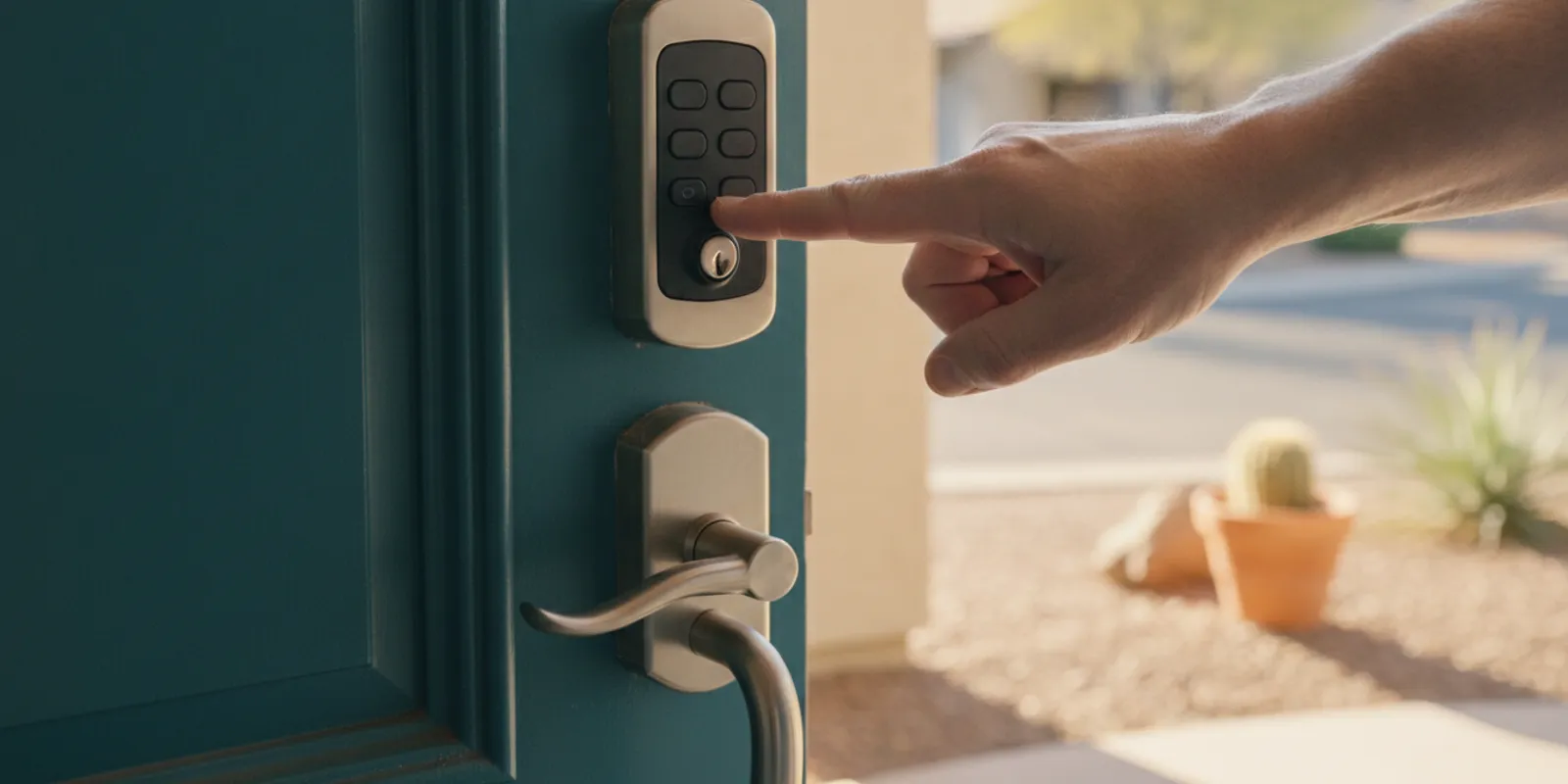
Are smart locks safe? They can be a practical part of home security when the lock fits the door, is installed correctly, and is managed with care. Like any lock, a smart lock has limits: it does not make a weak door strong, and connected features introduce account, power, and setup considerations. The right choice depends on your entry door, household routine, and comfort with electronic access.
Talk with a locksmith about your door
What does a smart lock actually secure?
A smart lock controls access through a deadbolt or other locking mechanism while adding electronic ways to operate it. Depending on the model, those may include a keypad, phone app, key fob, or physical key. Many let an owner create or remove individual access codes. Some connect to a home network or broader home automation system; others operate locally without an internet connection.
The bolt still needs a sound door and frame to engage. A smart lock cannot compensate for a loose strike plate, damaged jamb, poorly aligned door, or glass that can be reached from outside. Think of it as one component in a layered approach rather than a complete security system. Before comparing features, inspect how the door closes and whether the deadbolt extends smoothly into its strike.
It also helps to separate the lock's physical job from its convenience features. The deadbolt or latch is the part that secures the opening. A phone notification, remote status check, or scheduled access feature may help you manage the lock, but it does not strengthen the door itself. A model with many app features is not automatically a better physical lock than a simpler option.
What risks should homeowners consider?
Electronic access and account protection
For a connected model, protect the account used to control it. Use a unique password, enable available multi-factor authentication, and keep the phone and app updated. Limit administrative access to people who need it. If a phone is lost, follow the manufacturer's instructions to secure the account and revoke access where possible.
Codes also need thoughtful handling. Avoid obvious combinations such as a street number or a repeated sequence. Do not share a household's main code when a separate temporary or guest code is available. Remove codes when a guest, contractor, or former household member no longer needs access. A code that is never reviewed can remain active long after its purpose has ended.
Before choosing a model, find out how it handles users and permissions. Can you create a separate code for a household member? Can an old code be deleted without resetting every other user? Are there administrator and regular-user roles? These details matter when several people use the door. A simple setup that you understand and review is more useful than a long list of features that remain misconfigured.
Power, connectivity, and mechanical operation
Most battery-powered smart locks give some kind of low-battery warning, but the exact warning and backup procedure vary by model. Read the manual before relying on a lock. Know whether it has a key override, an external emergency power contact, or another manufacturer-approved way to regain entry. Replace batteries on the schedule specified by the manufacturer rather than waiting for the lock to stop responding.
Connectivity is a separate issue from whether the bolt works. A network or app outage may interrupt remote features while local keypad or key operation remains available, depending on the design. Ask which features work without Wi-Fi, Bluetooth, or an internet service. Never assume a remote unlock function will be available during a network disruption.
Check how the lock behaves when one system is unavailable. For example, if the internet connection drops, can a resident still unlock the door with a code? If the phone is out of battery, is there another access method? If the keypad is damaged, can a physical key operate the cylinder? The answers depend on the specific product. Write down the manufacturer's recovery procedure and keep it somewhere household members can find it without relying on the locked phone.
Door and installation problems
A lock can be secure in theory yet unreliable if the door is misaligned or the bolt binds. Forcing the thumb turn, keypad, or bolt can damage components. If operation becomes stiff, check whether the door is fully closed and whether seasonal movement has changed alignment. Persistent resistance is a reason to inspect the hardware and door instead of repeatedly forcing the mechanism.
Installation details matter. The lock must fit the door preparation, backset, thickness, and bolt configuration. Follow the model's instructions and test operation with the door open before closing it. Confirm that the bolt moves freely and that every access method works. If the existing door or hardware needs adjustment, a locksmith can assess the complete opening.
Pay attention to the strike, too. The bolt should enter the strike opening smoothly when the door is closed, without having to pull, lift, or push the door hard. If the lock works with the door open but binds when it is closed, that points to a fit or alignment concern rather than a reason to keep changing app settings. Correcting the door's operation can be an important part of making the lock dependable.
How do smart locks compare with traditional deadbolts?
Neither category is automatically right for every household. A traditional keyed deadbolt has a simple operating routine and does not depend on batteries or an app. A smart lock can add keyless entry and easier code management, but brings extra setup and maintenance responsibilities. Consider the trade-offs alongside the physical quality of the door and lock.
| Consideration | Smart lock | Traditional deadbolt |
|---|---|---|
| How you unlock | May offer a keypad, app, fob, and/or key, depending on model | Usually operates with a physical key and interior turn |
| Managing access | Some models support multiple or temporary codes and app controls | Sharing access generally means sharing a key or changing the cylinder |
| Ongoing care | Requires battery checks and, for connected features, account and software care | Requires basic hardware upkeep and key control |
| Possible interruption | Battery, setup, or network issues can affect some functions; backup depends on model | Key loss, wear, or mechanical problems can prevent normal operation |
| Best fit to assess | Households that value keyless entry and will manage codes and batteries | Households that prefer a straightforward mechanical routine |
The table describes common patterns, not a guarantee for every product. Read the specifications for the exact lock, including its required connectivity, backup entry method, and compatibility. For a broader overview of available smart lock options, consider the lock type and the door together rather than buying on features alone.
There is also a difference between a full replacement and a retrofit device. Some products replace the existing deadbolt hardware; others attach to the inside portion of an existing lock. A retrofit may preserve a familiar exterior key cylinder, while a full replacement may change the way both sides of the lock operate. Confirm the details in the product documentation. Do not assume that every model works with every deadbolt or door preparation.
How can you choose a smart lock thoughtfully?
- Start with the door. Check that the door closes squarely, the frame is sound, and the deadbolt is not already binding. Identify whether you need a deadbolt replacement or a different type of hardware.
- Decide which access methods matter. A keypad may be enough for households that want to avoid carrying keys. Remote access or integration with other devices may add convenience but also requires attention to accounts and connectivity.
- Check compatibility before purchase. Compare the lock's required door measurements and hardware configuration with your door. Verify whether the model replaces the full deadbolt or fits over existing interior hardware.
- Understand the fallback. Find out how to enter if batteries are depleted, a phone is unavailable, or a connected service is down. Keep any physical backup key secure and accessible to an appropriate household member.
- Review security and support settings. Look for options to add separate user codes, remove users, receive battery alerts, and update software. Read the manufacturer's support and warranty details.
There is no need to choose the most connected model simply because it has more features. A lock that the household can operate consistently, and maintain according to its instructions, may be a better fit than one with features nobody uses. If you are comparing products, write down the access methods you will actually use, then check that the lock supports those methods without requiring an unwanted subscription or connected hub.
Think through ordinary situations rather than shopping from a feature list. Who arrives home first? Does anyone need a temporary code? Will a family member be comfortable entering a code instead of using a key? Would remote access solve a real problem, or would it add account steps that the household does not need? These answers help narrow the choice to a manageable set of functions.
How should you set up and use it?
Read the instructions before installation or setup. If you install it yourself, work through the steps in the order provided and do not skip door measurements or alignment checks. Before shutting the door, test the bolt from both sides and try each intended access method. Confirm that the keypad, app, key, or other functions behave as described by the manufacturer.
- Create a strong administrator account password that is not reused elsewhere.
- Set a unique code for each regular user when the lock supports separate codes.
- Share codes through a private method, not a public note or message thread.
- Remove access that is no longer needed and periodically review active users.
- Turn on available alerts and keep the lock's app and related devices updated.
- Check battery status regularly and keep the approved replacement type on hand.
- Keep a backup entry plan that does not depend on one person's phone.
For a rental or shared home, coordinate changes with the owner or property manager. Make sure the plan for access, code removal, and physical keys is clear. Avoid changing hardware or shared access settings without the appropriate permission.
For a household with children, visitors, or people who may not use a smartphone, explain the normal entry method and the backup method before they need them. Do not depend on a single person to remember the administrator password or know how to change access. Agree on who can add or remove users, and make sure the people responsible know how to check battery status and what warning signals mean for that specific model.
After installation, test the lock in a deliberate sequence. With the door open, extend and retract the bolt using each intended method. Next, close the door and repeat the checks without forcing the door or bolt. Confirm that the latch and deadbolt do not rub, that the keypad responds as expected, and that a physical key or approved backup works. Then have another household member try the usual entry routine so you can catch unclear instructions before the lock is in daily use.
For a wider overview of electronic entry hardware, read about digital door locks and their features. The terminology can vary across products, so compare the actual operating methods and backup steps rather than relying on a label alone.
What should you do if the lock acts strangely?
Start with low-risk checks. Confirm the door is fully closed, inspect the battery warning, and compare the behavior with the troubleshooting section of the manual. If the app is the only part failing, determine whether the keypad or physical key still works. Do not spray unapproved liquids into the mechanism or dismantle electronic components unless the manufacturer directs you to do so.
Try to identify the part of the process that is failing. If the app cannot connect but the keypad and key still operate the bolt, the issue may involve connectivity or account access. If the keypad accepts a code but the bolt will not move, check the door position and look for binding. If every method fails, follow the manufacturer's recovery instructions and avoid repeated attempts that could disable the lock or leave the door unsecured.
If the bolt binds, the lock repeatedly fails, or the door will not secure, treat the problem as both a hardware and a door issue. Avoid leaving the entry unsecured while experimenting with settings. A qualified locksmith can check fit, alignment, and operation, and help determine whether repair, adjustment, or replacement is appropriate. The LOCK Shop serves residential customers in Mesa and the East Valley; see its residential locksmith services for the types of assistance offered.
When you ask for help, describe the symptoms rather than guessing at a cause. Note whether the problem happens with the door open or closed, which access methods still work, whether a warning appeared, and what changed shortly before the issue began. This information can help direct attention to the right part of the setup. Keep the product model information or manual available if you have it.
When should you ask for professional guidance?
Consider professional input when you are unsure whether a model fits your door, when the existing bolt or frame is damaged, or when installation requires modifying the door. A locksmith can inspect the opening, explain compatible hardware, and verify that the bolt operates smoothly after installation. This is also useful if a smart lock is replacing older hardware and you want to consider the entry as a whole.
For a home with several exterior doors, assess each entry separately. The front door may need a different access routine from a side door or garage entry. Keep the number of access points manageable and make sure household members know how to lock and unlock each one. The LOCK Shop's lock services can help homeowners discuss hardware choices and installation considerations.
Ask practical questions before selecting or installing hardware: Does this model match the door and existing deadbolt? Which functions keep working if the network is down? What is the approved way to enter if the batteries are depleted? Can each user's code be removed separately? How will the lock be tested once installed? Clear answers are more useful than assuming that an electronic feature will solve every access concern.
Professional help can be especially useful when a door already needs adjustment, when the lock is being fitted to a less common door, or when you need to coordinate several access points. A locksmith can assess the physical fit and operation; the manufacturer's manual remains the source for model-specific app setup, account recovery, and battery procedures. These roles are complementary, and neither should be replaced by guesswork.
If you are still weighing an upgrade, compare the proposed hardware with your current lock and daily routine. Review the manufacturer's fit requirements, then ask about the door, bolt, and backup entry plan as a group. You can also review the front-door smart lock considerations before making a decision.
Frequently asked questions
Can a smart lock be used without Wi-Fi?
Some smart locks allow local keypad or key operation without Wi-Fi, while remote controls and integrations may require a network. The answer depends on the model, so check its specifications and test the local entry method during setup.
Are smart locks safe if the battery dies?
That depends on the lock's design and backup method. Many models provide a low-battery warning and may offer a key override or another emergency procedure. Read the instructions in advance and follow the recommended battery schedule.
Should I use one access code for everyone?
Separate codes are preferable when supported because you can manage or remove one person's access without changing every user's code. Do not share an administrator credential as an everyday entry code.
Does a smart lock make a weak door secure?
No. The door, frame, strike, and installation all affect how the entry functions. A smart lock cannot correct a damaged frame or a bolt that does not engage properly.
What should I check before buying one?
Check the lock's fit requirements, access methods, battery plan, and backup procedure. Then consider whether its user and account controls match the way your household will use it. If you are uncertain about the door preparation or existing hardware, have the opening assessed before purchase.
Request a consultation about your lock
Smart locks can be a reasonable choice when their features match your needs and you maintain both the electronics and the door hardware. Compare the backup plan, access controls, and fit before deciding, and ask for help if the lock or entry does not operate smoothly.