October 9, 2026
This is a subtitle for your new post

A digital door lock can let you enter with a code, phone, fingerprint, or other approved credential instead of a traditional key. The idea sounds simple, but the right choice depends on how the lock authenticates users, how it receives power, whether it connects to a network, and how well it fits the door. This guide explains what happens inside a digital lock, where the technology helps, and what Mesa homeowners should check before replacing a standard deadbolt.
Request digital door lock installation or residential lock service from The LOCK Shop.
What is a digital door lock?
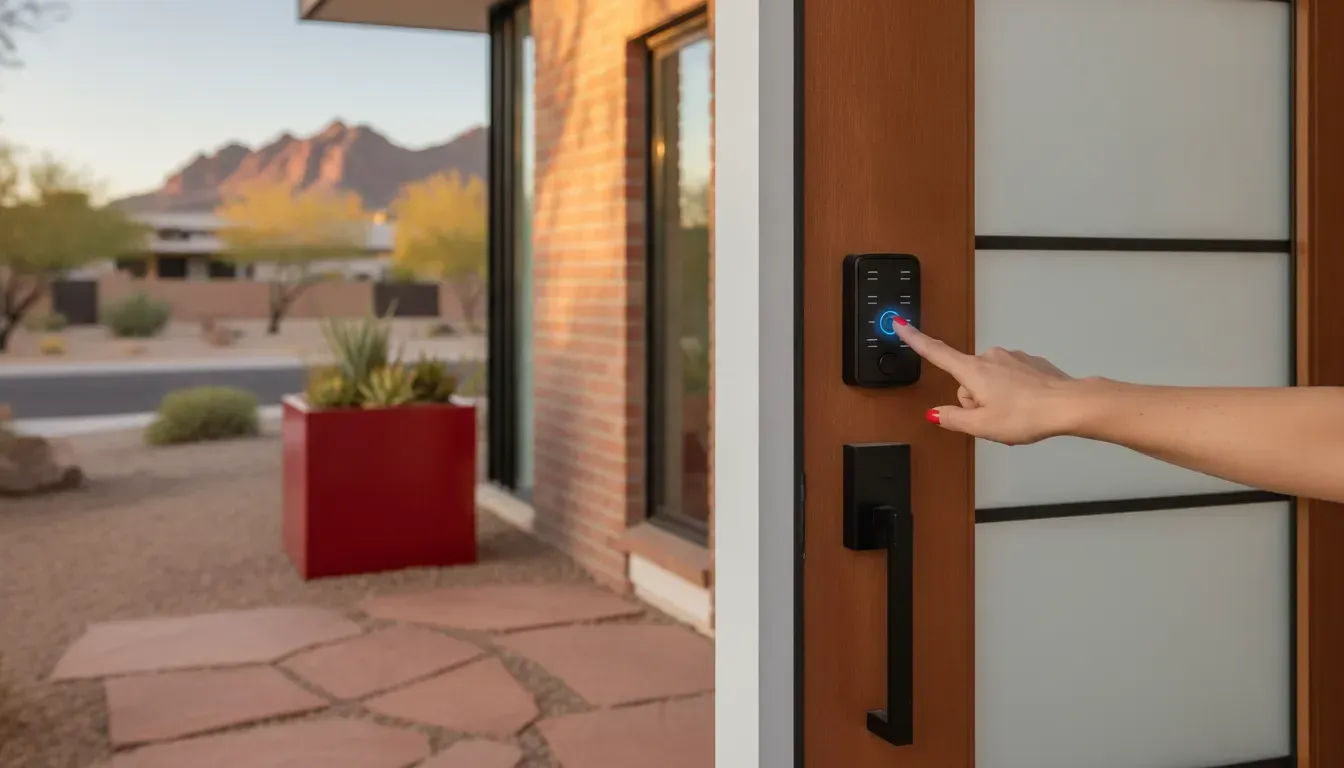
A digital door lock is a door lock that uses an electronic control system to decide whether to release or secure the locking mechanism. Instead of relying only on the cuts in a metal key, it checks a digital credential such as a PIN, an electronic key card, a fingerprint, or a signal from an approved mobile device. Some models are simple electronic keypad locks. Others add an app, remote control, access alerts, or smart-home integration.
Digital is a broad category. A lock does not have to connect to the internet to be digital. A battery-powered keypad deadbolt that stores codes locally is digital, even if it has no app and no Wi-Fi. A connected smart lock is one type of digital door lock, but the terms are not always interchangeable.
The lock still has a physical security job. Behind the keypad, reader, or app is a latch or deadbolt that must align with the strike plate and resist normal force. Electronics add access options and management features, but they do not remove the need for a properly fitted door, sound hardware, and sensible security habits.
How do digital door locks work?
Most digital door locks combine five working parts: an access reader, a controller, a power source, a motor or clutch, and the mechanical lock body. The exact design varies, but the process usually follows the same sequence:
- Someone presents a credential. They enter a code, use an app, tap a card or fob, present a fingerprint, or use another method supported by the model.
- The lock checks the credential. The controller compares the input with the stored codes, keys, or permissions. A connected model may also communicate with an app or access platform.
- The lock confirms or rejects access. A valid credential triggers the release sequence. An invalid or disabled credential does not.
- The motor or clutch moves the lock. The electronic mechanism turns or disengages the deadbolt or latch so the door can open.
- The lock returns to its secured state. This may happen when the user turns the inside thumb turn, presses a button, closes the door, activates auto-lock, or sends a command through an app.
Some systems also record activity, such as which code was used and when. That record can help a homeowner manage family, guest, cleaning, or service access. It is not a substitute for checking the physical door and hardware. If the door rubs, the deadbolt binds, or the strike is misaligned, the motor may struggle even when the credential is correct.
What are the main types of digital door locks?
The best type depends on who needs access and how much management you want. These are the most common formats.
Keypad and touchscreen locks
Keypad locks use a numeric code, while touchscreen models display or sense numbers on a flat electronic surface. They are useful for households that want to stop carrying keys or create separate codes for different people. Some locks support one code, while others allow multiple user codes and temporary permissions.
Review the way the keypad wakes up, whether it is easy to use in bright sunlight, and how you will manage codes when a guest or former resident no longer needs access. A code that is shared widely is difficult to control, even if the lock itself is well built.
Bluetooth and app-enabled locks
Bluetooth locks communicate over a short range with an authorized phone or other device. Depending on the model, an app may let you lock or unlock the door nearby, create digital keys, or review activity. Bluetooth can be convenient when you are standing at the door, but remote control generally requires another connection method or a separate hub.
Wi-Fi-connected locks
Wi-Fi models can connect to the internet directly or through a compatible bridge. This may support remote access, notifications, guest management, or integration with a home security system. The added convenience also means more setup decisions: the home network must be dependable, the app account must be protected, and software or firmware may need updates.
Fingerprint or biometric locks
Fingerprint locks check a stored biometric pattern rather than a PIN or phone. They can be convenient for people who do not want to remember codes, but performance can vary with moisture, dirt, skin condition, or the quality of the sensor. Consider whether the lock also provides a keypad or mechanical backup for times when the sensor does not read correctly.
Card, fob, and proximity locks
Some digital locks accept a card, fob, or other proximity credential. This format is common where access needs to be assigned and removed for multiple users. Homeowners should understand how replacement credentials are issued and what happens if a card or fob is lost.
Are digital door locks secure?
A digital door lock can improve access control, but no lock is automatically secure simply because it has electronics. Security depends on the physical hardware, installation, credential management, power plan, and the way connected features are configured.
For example, a unique code for each household member is easier to manage than one code shared with everyone. A strong account password and multifactor authentication can help protect a connected lock account. Automatic locking can reduce the chance of leaving the door unsecured, but it should be set with the household's routine in mind so it does not create an unexpected lockout.
Digital locks also need a plan for failure. Batteries can run low. A phone can be lost. A network can go offline. A door can swell, shift, or become difficult to latch. Look for a model with a clearly understood backup method, such as a physical keyway, emergency power connection, interior release, or another manufacturer-supported option. Keep the backup method available without leaving it in an obvious or unsecured location.
When a digital lock is connected to a home network, use the same care you would use for other connected devices. Install updates from the manufacturer, protect the account, remove old users, and review permissions periodically. If you are unsure whether a particular model is appropriate for your door or home security setup, a locksmith can evaluate the physical installation as well as the access features.
Can a digital door lock fit an existing door?
Often, yes, but compatibility should be checked before buying or scheduling installation. A digital lock may be designed for a standard single-cylinder deadbolt, a specific backset, a mortise lock, a multipoint system, or another door configuration. The existing hole pattern, door thickness, strike location, handing, and interior clearance can all matter.
Even a lock that fits the opening may not work correctly if the door is sagging, the hinges are loose, the frame is damaged, or the strike plate is not aligned. A motorized deadbolt should not need to force its way into the strike. Binding can shorten battery life and leave the lock unable to complete a lock or unlock command.
Before choosing a model, identify the existing lock type and measure according to the manufacturer's instructions. Check whether the door is wood, metal, fiberglass, or another material, and note whether it has glass panels, a narrow stile, or an unusual trim arrangement. For a rental or shared property, confirm that the installation is permitted and that the owner or property manager approves the change.
See The LOCK Shop's residential lock installation, repair, rekeying, and keyless-entry services.
What should you consider before choosing a digital door lock?
Start with the daily access problem you want to solve, then compare the technology to that need. These questions can make the decision more practical:
- Who needs access? A household may need a few permanent codes. A property manager may need a process for changing access as residents or vendors change.
- Do you need remote control? If you only want keyless entry at the door, a local keypad may be simpler. Remote access can be useful, but it adds a network, account, and app to manage.
- What is the backup plan? Confirm how the lock behaves when batteries are low, the phone is unavailable, or the connection is down.
- Will it work with the door? Confirm the lock body, measurements, strike, door material, and interior clearance before ordering.
- How will codes and users be managed? Choose a system that lets you remove old access and avoid relying on one shared code when separate credentials are available.
- Who will install it? Correct alignment is important for motorized hardware. Professional installation can also help identify a door or frame issue before it becomes a recurring lock problem.
- What support is available? Check the manufacturer's instructions, app support, warranty terms, and whether local service is available if the lock needs adjustment or repair.
Do not choose based only on the number of features. A simpler lock that matches the door and the household's habits may be a better fit than a connected model whose app, network, or permissions are rarely maintained.
Digital door locks in a Mesa home: installation and climate considerations
Mesa homes can have different door materials, sun exposure, entry layouts, and existing hardware. Outdoor-facing hardware may experience heat, dust, and direct sunlight, while an interior lock may face different conditions. Follow the product's environmental guidance and keep the keypad, reader, and battery compartment maintained as directed.
Arizona weather is only one part of the installation question. Door movement, frame alignment, and the condition of the existing deadbolt can affect day-to-day performance. A local technician can inspect the complete entry, confirm the lock is compatible, install it without forcing the mechanism, and explain how to manage codes or other credentials.
The LOCK Shop provides residential lock installation, repair, rekeying, security assessments, and keyless-entry service. The company combines a Mesa storefront with a fully equipped mobile fleet, so planned work and on-site service can be handled through the option that fits the job. The team is family-owned and woman-owned, licensed, bonded, insured, and backed by a 100% Lifetime Labor Guarantee.
When should you call a locksmith for a digital door lock?
Professional help is useful before installation, not only after a lock stops working. Contact a locksmith when you are unsure which lock type fits, the existing deadbolt binds, the door or frame is damaged, you need several user credentials, or you want keyless entry connected to a broader home security plan.
Call promptly if the lock is draining batteries unusually quickly, the motor sounds strained, the keypad or reader works inconsistently, or the door will not lock without pressure. Repeatedly forcing the lock or ignoring alignment can turn a manageable adjustment into a hardware or lockout problem.
For urgent access problems, The LOCK Shop offers 24/7 emergency service and prioritizes non-destructive entry methods. For planned work, homeowners can request a free over-the-phone estimate and describe the door, existing lock, preferred access method, and any home security system involved. Calling (480) 452-4505 is the fastest option for an urgent situation. For general questions, use the Contact page.
Key takeaways
- A digital door lock uses electronic credentials and a controller to operate a physical latch or deadbolt.
- Keypads, apps, Bluetooth, Wi-Fi, fingerprints, cards, and fobs serve different access needs.
- Digital does not always mean internet-connected. A local keypad lock can work without Wi-Fi.
- Security depends on the physical lock, correct installation, credential habits, account protection, and a backup plan.
- Check door compatibility and alignment before buying or installing a motorized lock.
- A locksmith can help select, install, adjust, repair, or program a keyless-entry system for a Mesa home.
Questions to ask before installation
Will I still have a backup way to enter?
Ask which backup options the specific model supports and how they work when batteries are low or the app is unavailable. Make sure everyone who may need access understands the plan.
Can the existing deadbolt and door support this lock?
Have the door, frame, strike, measurements, and lock body checked together. A compatible opening is not enough if the door is misaligned or the hardware binds.
How will I remove access later?
Ask how to disable a code, digital key, card, fob, or user account. A manageable access list is one of the main practical benefits of a digital lock, especially for homes with guests, caregivers, vendors, or changing occupants.
What should I do if the lock stops responding?
Keep the manufacturer's instructions and know the supported emergency procedure. If the lock is installed but repeatedly fails to latch, drains batteries, or strains against the door, schedule service rather than forcing it.