
Published article
Access Control Maintenance for Businesses
A practical access control maintenance checklist for business doors, readers, power, and records, plus signs it is time to call a locksmith.
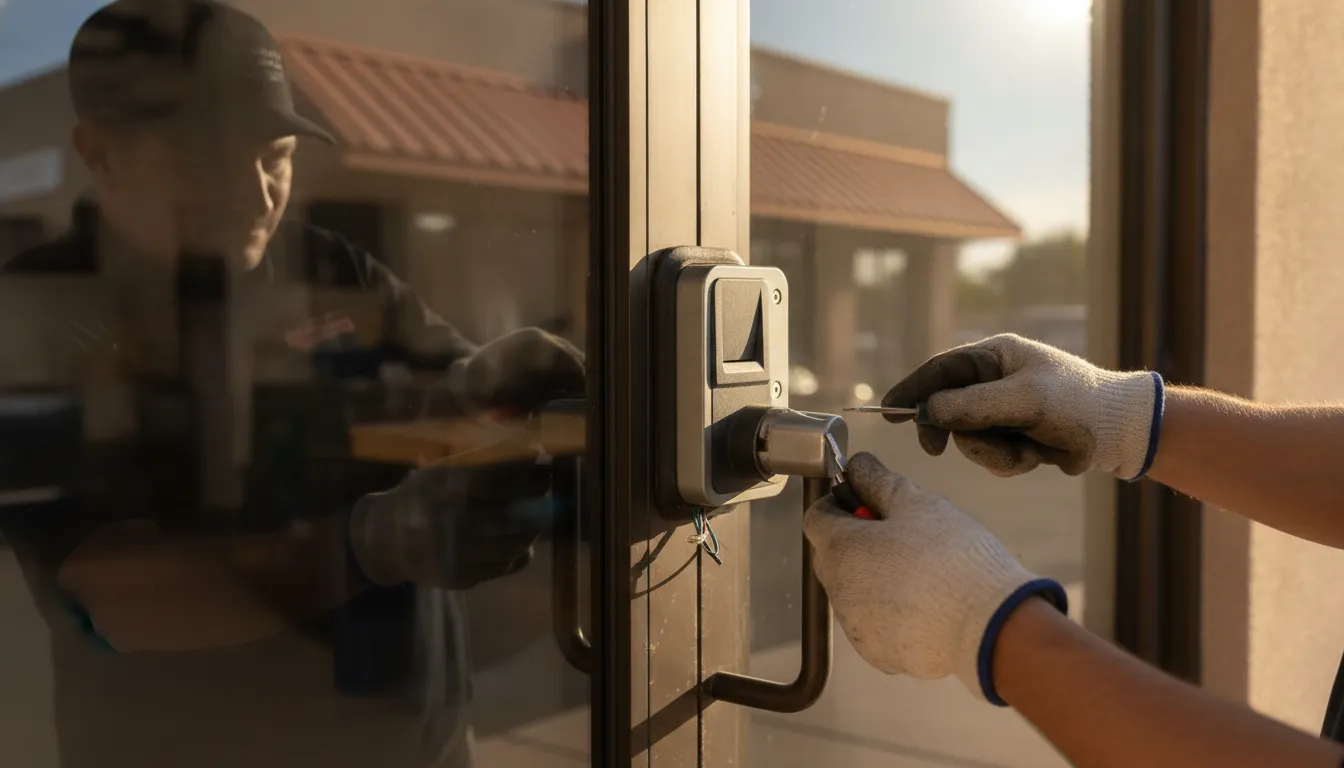
Access control maintenance is the routine that keeps a business door locking, recording, and opening for the right people. A reader can look fine while a worn latch, a weak battery, or an old credential quietly leaves a gap. This guide gives owners a practical checklist, the problems that show up first, and a clear point for calling a locksmith.
Call The LOCK Shop at (480) 452-4505 about a sticking door, a failing reader, or a maintenance visit for your Mesa business.
What access control maintenance covers
A business access system is more than the box on the wall. It includes the reader or keypad, the lock or strike, and the request-to-exit device. It also includes the door closer, the power supply, and the records that say who may enter. Access control maintenance looks at all of those parts together. If one piece fails, the opening can stay unlocked, refuse a valid card, or hide the problem in a log nobody checks.
Hardware wears because people use it. Cards bend, readers get dirty, latches drag, and backup batteries age even when the lights stay on. Software wears in a different way. A former employee, vendor, or temp can remain active long after they should have been removed. Remsdaq's maintenance guidance treats both layers as items that need a scheduled look, not a repair only after a lockout.
This is not a buying guide. If you are still deciding whether a card, fob, or keypad fits the building, start with what an access control system does, then compare options in the business access control buying guide. If you already have hardware and want it to keep working, stay with the checks below.
What to check on each controlled door
Start at the opening, not in the software. A controlled door that does not close cannot be saved by a clean user list. Walk the doors your staff and visitors actually use, including the back door, the suite entry, and any after-hours door.
On each opening, confirm four things:
- The door closes fully and the latch or strike catches without a slam or a bounce.
- The reader or keypad accepts a valid credential and rejects one that should not work.
- The request-to-exit button or motion device releases the door for a normal exit.
- The closer, hinges, and weatherstrip are intact, with no drag on the floor or frame.
A door that needs a shove is a maintenance item, not a quirk. So is a card that works only on the second tap, or an exit button that sticks. Dirt, heat, and heavy use in the East Valley make those faults show up faster on storefronts than on a quiet interior office.
Door hardware is part of the system even when it is mechanical. If the closer leaks, the arm is loose, or the door will not latch, read common door closer problems before you blame the reader. Exit devices have their own checks. A panic bar that is loose or hard to press needs the review in the panic hardware planning guide, especially on a required exit.
How often should a business inspect access control?
There is no single calendar that fits every office, shop, or suite. A quiet interior door does not need the same attention as a busy public entry. Remsdaq recommends at least one inspection a year, and more often for high-security sites and busy public buildings such as schools, hospitals, and attractions. Use and risk should set your pace.
| Check. | Who can do it. | Practical timing. | What good looks like. |
|---|---|---|---|
| Door closes and latches. | On-site staff. | Weekly on busy doors. | The door reaches the frame and the latch holds without a slam. |
| Reader, keypad, and exit release. | On-site staff. | Monthly. | A valid credential opens once. Exit hardware releases cleanly. |
| User list and temporary access. | Owner or manager. | Each staffing change, and monthly. | Former staff, vendors, and temp codes are removed or expired. |
| Denied events and alarm history. | Owner or manager. | Monthly. | Repeated denials or held-open alarms have a named cause. |
| Backup battery and power. | Qualified technician. | At least yearly. | The door still controls access during a short power test. |
| Full hardware and software inspection. | Qualified locksmith. | Yearly, or sooner after failures. | Readers, locks, closers, and records are tested and noted. |
Staff can spot dirt, a dragging door, and a credential that fails. Testing backup power, adjusting a lock, or changing how the controller behaves is work for someone who services that hardware. Write down what you saw and the date. A short note beats a memory when the same door acts up again.
Which problems show up first?
Most access control maintenance calls start with a symptom the staff already noticed. The useful step is to name the symptom before anyone replaces a reader.
A valid card or code stops working
Try a second known-good credential before you blame the person. If only one card fails, the card or the user's permission is the likely issue. If several people fail at the same door, look at the reader, the lock, or the power at that opening. Intermittent failure, especially after heat or a storm, is a reason to stop guessing and have the door tested.
The door stands open or will not latch
This is a security problem even when the electronics look normal. A closer that is out of adjustment can leave the opening unsecured. So can a strike that does not line up, or a door that has dropped on its hinges. Do not prop the door as a workaround and then forget it. Held-open doors also create noisy alarms that staff learn to ignore.
People leave, but their access stays
A clean door is not enough if yesterday's vendor still has a fob. Review who can enter after every staffing change, and expire temporary codes instead of reusing them. Mechanical keys need the same habit. The key control guide for businesses covers records for keys that electronics do not replace.
The log is full of noise
Repeated denied reads, door-forced events, or alarms that clear themselves are clues. They can mean a reader is misaligned, a door is being held, or a schedule does not match how the business actually operates. Clearing alerts without a note hides the pattern. A monthly look is enough for many small offices. A site with overnight shifts should look more often.
What should staff handle, and what needs a locksmith?
Owners do not need a technician for every tap of a reader. They do need a line between housekeeping and hardware work.
- Wipe the reader face and keep tape, paint, and decorations off the sensor.
- Confirm the door is not blocked, propped, or rubbing the frame.
- Remove or expire access for people who no longer need it.
- Note the door, the time, and what the credential did if a failure repeats.
- Call for service when the lock, power, controller, or alignment is in question.
Stop and call when a door unlocks and stays unlocked. Call too if an exit device is hard to operate or a backup battery looks swollen. Call if you cannot tell whether the fault is the reader, the strike, or the power supply. Forcing a locked commercial door can turn a small fault into a larger repair. Taking a reader apart to see the wires can also affect a required exit.
Biometric readers add enrollment and privacy questions that this checklist does not cover. If the device reads a fingerprint or a face, use the biometric access control overview for those decisions. Then bring the same door, power, and record checks back to this list.
If you are comparing a repair with a replacement system, go back to the buying guide linked above. That guide covers credentials, audit needs, and project questions. Maintenance comes first when the current doors still fit and only the upkeep has slipped.
How do you prepare for a maintenance visit?
A locksmith can work faster when the business already knows which openings matter. Before you call The LOCK Shop, list the doors that failed and the time of day. Note whether the problem is a card, a code, a latch, or a closer. Say how many people use each door. Also say whether the failure happens in the afternoon heat, after a power blink, or all day.
Have a manager available who can say who should still enter. Bring any notes about recent staff changes, a stuck exit button, or a door that was hit by a cart. You do not need brand expertise. You do need an honest description of what the door does now.
The LOCK Shop is a family-operated Mesa locksmith with a storefront at 1155 South Power Road, Suite 116. Mobile service covers the East Valley and the Phoenix metropolitan area. Commercial help on the commercial locksmith page includes rekeying, key control, access-control integration, door closers, and exit hardware. That page is the service destination. This article is the checklist you can use before you ask for that help.
For a door that will not let people out, or a business lockout that cannot wait for a planned visit, use the emergency lockout page. Routine access control maintenance is planned work. A stuck exit or an unsecured opening is not.
A simple maintenance routine you can keep
Pick one person who owns the list. On busy doors, look once a week at the close and the latch. Once a month, test one valid credential and one that should fail. Review new and departed people, and scan the log for the same alarm repeating. Once a year, have a qualified locksmith test readers, locks, request-to-exit devices, closers, and backup power. Ask for a short note of what was adjusted or replaced.
High-traffic entries, exterior doors in direct sun, and any door that already failed this season should move to the front of that yearly visit. A single suite with two doors may need nothing more. A shop with a public front and an alley door usually finds the wear on the door people bump with carts and deliveries.
Mesa storefronts and East Valley suites often mix a glass entry, a back office door, and a stockroom. Check the door that gets the afternoon sun and the door that delivery drivers use. Dust on a reader and a latch that drags after a hot day are common reasons a card starts failing even though the user list is correct. Put those two openings on the weekly look, and leave low-use interior doors on the monthly list.
If the same opening fails twice in a month, stop adding notes and schedule service. Repeated failure is the point where a checklist has done its job and a locksmith should test the hardware.
Keep the record plain: door name, date, what you tested, and what you will fix. That record is what makes the next visit shorter, and it is what shows whether a reader problem is really a door problem.
Frequently asked questions
How often does access control need maintenance?
Inspect the system at least once a year. Busy public doors, high-security rooms, and any opening that has already failed should be checked more often. Staff can watch latching, credentials, and user changes between those visits.
Can our manager do access control maintenance?
A manager can clean a reader, confirm the door latches, remove old users, and write down repeat faults. Adjusting a lock, testing backup power, or opening control equipment should wait for a qualified locksmith.
Why does a card work on one door and not another?
The card may be fine while that door's reader, strike, schedule, or permission is not. Test a second valid card. If the second card also fails, treat it as a door problem rather than a bad credential.
Does a new access system remove the need for maintenance?
No. New readers still depend on a door that closes, a power supply that holds, and a user list that stays current. A newer system can make the log clearer. It does not stop wear on the latch, the closer, or the battery.
When should a Mesa business call The LOCK Shop?
Call when a door will not lock or release correctly. Call if several credentials fail at one opening, or if you want a yearly check of readers, locks, and backup power. Call (480) 452-4505 and describe the door. For an immediate lockout, ask for emergency help instead of waiting on a maintenance list.
Ready for a second set of eyes on a commercial door? Call (480) 452-4505 and tell The LOCK Shop which opening is sticking, failing, or due for access control maintenance.