
Published article
Biometric Access Control: What Businesses Should Know
Learn how biometric access control works, where it fits, and what to consider for enrollment, privacy, reliability, and professional installation.
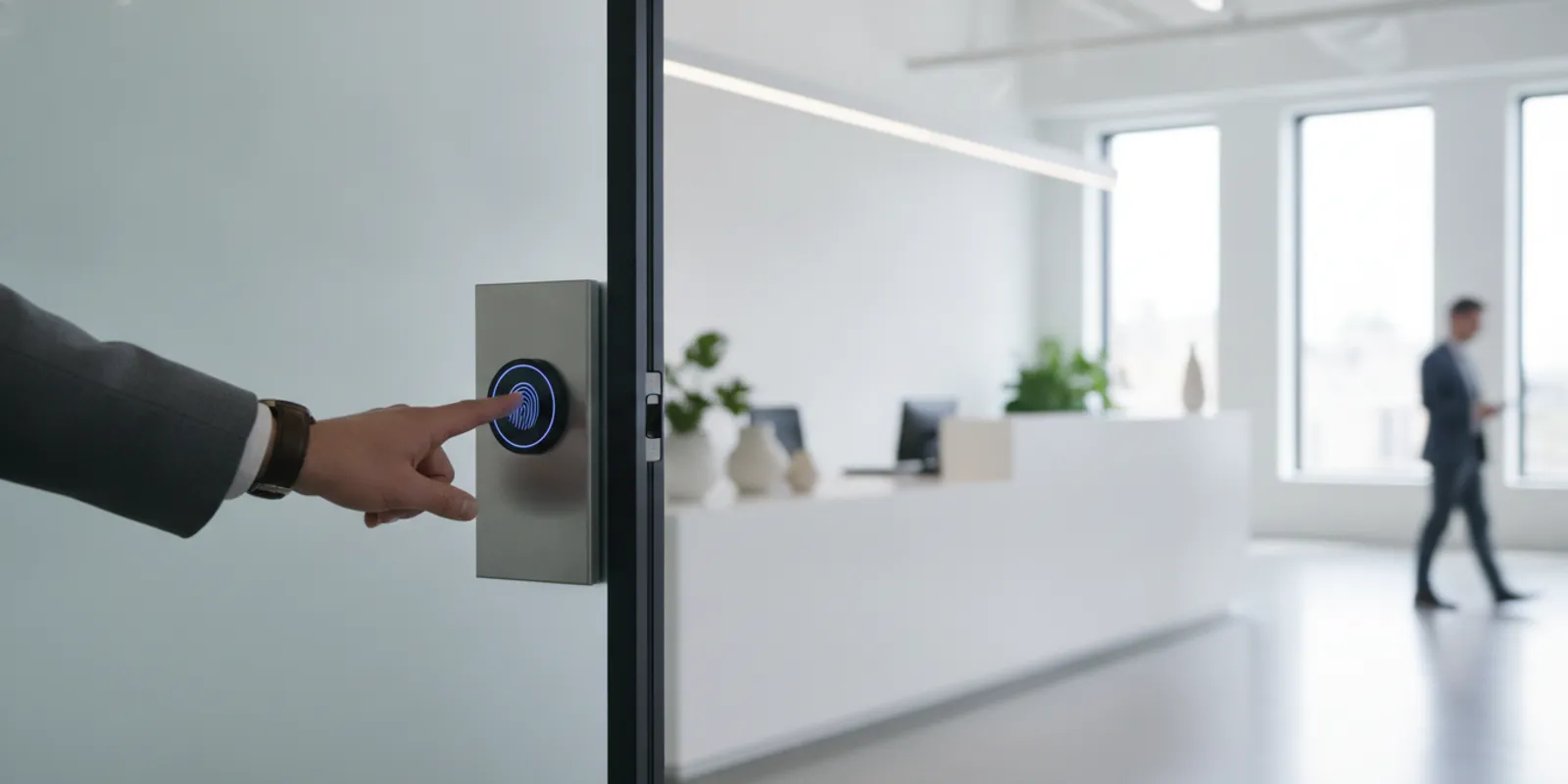
Biometric access control lets a business use a person’s physical or behavioral traits, such as a fingerprint or face, to verify access at a door or other controlled point. It can make access more convenient, but it also raises important questions about privacy, reliability, inclusion, and backup procedures. A careful plan starts with the entry problem you need to solve, not with the reader itself.
Talk with The LOCK Shop about your access-control needs
What is biometric access control?
A biometric system measures a characteristic associated with a person and compares it with information enrolled for an authorized user. Common options include fingerprint, facial, iris, and hand geometry readers. Some systems use behavioral patterns, such as a typing rhythm, but physical traits are more commonly associated with door access.
Most access systems perform a verification: a person presents a credential or claims an identity, and the system checks whether the biometric sample matches that user’s enrolled record. Some systems instead search a database to identify a person from a sample. These are different functions. A business considering a door reader should confirm which function the product performs and whether it is appropriate for the intended use.
A biometric reader is only one part of an access-control setup. A complete installation may include the reader, an electric lock or other door hardware, a controller, management software, credentials, and a process for granting and removing access. The exact arrangement depends on the opening and system design. For background on the broader category, see The LOCK Shop’s commercial lock services information.
When might a business consider biometric entry?
Biometrics may be worth evaluating when a business needs to manage access to a defined area and wants to reduce reliance on shared or easily transferred credentials. Potential use cases include a restricted office, equipment room, records area, or other space where managers want access tied to individual users. That does not mean biometrics are automatically the best choice for every door or business.
- Access accountability: Individual enrollment may help connect an access event with a specific authorized account, depending on system configuration and recordkeeping.
- Reduced credential sharing: A person cannot simply hand a fingerprint to a colleague in the same way they might hand over a key or card. However, no credential method eliminates tailgating or other unauthorized entry risks.
- Convenience: Some users may prefer not to carry a separate card or remember a code. The reader still needs to work reliably and provide an accessible alternative where needed.
- Layered security: A business may combine a biometric with another factor, such as a card or PIN, if its security needs and chosen system support that approach.
Start by describing the actual problem. Is a key being passed between employees? Are access rights difficult to update? Does a sensitive room need tighter control than the rest of the building? A conventional key system, card reader, PIN, or a combination may address the issue with less collection of personal data. Compare options against the risk, daily workflow, and budget before selecting a biometric reader.
Which biometric method should you evaluate?
Different methods have different operating conditions. The product’s performance, installation, and configuration matter, so avoid choosing solely by the name of the biometric. Ask the installer to explain how the reader behaves in the location where it will be used.
Fingerprint readers
Fingerprint readers are familiar and can be compact. Performance can be affected by the user’s finger condition, reader cleanliness, placement, and the technology used. Workers with worn, injured, very dry, or dirty fingertips may have trouble enrolling or presenting a usable scan. A business should test the reader with the people who will use it and establish an alternate access method.
Facial recognition readers
Facial systems can allow hands-free interaction, but the environment and system design matter. Lighting, camera placement, changes in appearance, and privacy expectations should be considered. A business should clearly understand whether the device performs one-to-one verification or searches for a match across a group, and what information it captures or stores.
Iris and other methods
Iris readers and other specialized systems may be appropriate in some settings, but they can involve different costs, user acceptance, and installation requirements. The business should ask for a demonstration in realistic conditions, including the normal flow of people through the door. Do not assume that one biometric type is inherently more suitable without reviewing the actual product and use case.
How should a business plan enrollment?
Enrollment is the process of registering authorized people with the system. It is also a chance to explain how the technology will be used and resolve accessibility or privacy concerns before the door becomes operational. Set a written process rather than enrolling staff informally as they arrive.
- Define the authorized group. Identify the door or area, the roles that need access, and who can approve a new enrollment. Limit enrollment privileges to designated administrators.
- Explain the process. Tell users what the reader captures, what it is used for, who administers it, and what alternatives are available if a scan does not work. Provide this information in clear language before collecting a sample.
- Enroll in practical conditions. Follow the manufacturer’s procedure, check that the reader is positioned appropriately, and make sure the person can complete the process without being rushed. Enroll only what the system needs.
- Test the full entry path. Confirm that enrolled users can enter, that unauthorized attempts are handled as intended, and that the door hardware operates correctly. Test the fallback credential and the procedure for a reader or power failure.
- Record responsibilities. Document who may add or remove users, how changes are approved, and how access is revoked when a person changes roles or leaves.
Enrollment quality influences daily usability. If a reader repeatedly rejects legitimate users, people may prop a door open, share a credential, or bypass the process. A trial with representative users can uncover problems before broad deployment.
What privacy and data questions should you ask?
Biometric information deserves careful handling because a person cannot simply replace a fingerprint or face as they might replace a lost card. Before purchase, learn exactly what the product collects and how it handles that information. The word “biometric” alone does not tell you whether the system stores an image, a mathematical template, or other data, nor whether information remains on the device or is sent elsewhere.
- What information is captured during enrollment, and what is retained afterward?
- Where is the biometric data or template stored: on a reader, a local controller, a server, or a cloud service?
- Who can access, export, or administer the data, and how are administrator accounts protected?
- How is information protected while stored and transmitted? What security updates and support does the manufacturer provide?
- How long is data kept, and what process removes it when access is no longer needed?
- Does the vendor use data for any purpose beyond the access function, and what happens if the service is discontinued?
Do not assume that a vendor’s statement about encryption or templates answers every privacy question. Review the product documentation, contract terms, data flows, and responsibilities of the business and provider. Privacy and employment rules vary by jurisdiction and use. Before deploying biometric collection, get advice on the requirements that apply to your organization, especially if employees, customers, or visitors will be enrolled.
How do you keep access reliable and inclusive?
A door must remain usable when a biometric reader cannot authenticate someone. Consider legitimate scan failures, a damaged reader, network or power interruptions, and urgent access needs. The appropriate backup depends on the building and system. It might involve a separate credential, a controlled administrator override, or another documented procedure. Avoid a fallback that is so convenient it defeats the intended security.
Consider who may have difficulty using the reader. Physical disabilities, age, injury, religious or cultural considerations, job conditions, and changes in appearance can affect access or comfort. These are not edge cases to leave until after installation. Ask the vendor what alternatives the system supports, and provide an equivalent way for authorized people to enter without unnecessary delay or disclosure.
Plan for the entire opening, not only the reader. Door alignment, latch condition, lock hardware, power, and the expected flow of people can affect the user experience. A credential that works perfectly during a demonstration may not solve a door that sticks or a reader placed in an awkward location. A qualified installer can review the opening and coordinate the access-control components with the existing hardware.
Maintenance should include cleaning the reader according to manufacturer guidance, checking for damage, reviewing system alerts, and confirming that backup access still works. Establish who receives service notices and who is responsible for updates. If the system depends on a network or hosted service, understand what happens to entry during an outage and how the vendor supports recovery.
How should you compare biometrics with other credentials?
There is no single credential that fits every opening. Compare options in terms of security goals, user experience, administrative effort, privacy impact, and resilience. The following questions can help structure the decision:
- Keys: Are physical keys easy to issue and manage for this area? What happens when one is lost or copied, or when an employee leaves?
- Cards or fobs: Would individually assigned credentials meet the need? How quickly can they be disabled, and are users likely to share them?
- PINs: Can codes be kept private and changed when needed? Is there a secure way to administer separate user codes?
- Biometrics: Does the value of individual verification justify the privacy, enrollment, accessibility, and system-management responsibilities?
A layered approach may suit some businesses, but each added factor affects cost, entry speed, and support needs. Keep the design proportionate. A low-traffic supply closet may not need the same controls as a restricted records room. For conventional hardware needs and related options, review the company’s lock services page alongside its commercial access-control offering.
When should you involve a qualified installer?
Bring in a professional before ordering equipment if the project involves multiple doors, existing electronic hardware, a need to coordinate with other building systems, uncertain door condition, or a requirement for controlled emergency egress. An installer can assess the opening, discuss how a reader interacts with the lock and controller, and identify practical issues that may not appear in a product comparison.
Ask the installer to clarify the system’s supported products and capabilities rather than assuming every biometric platform is compatible. Discuss who will configure access levels, enroll users, maintain the system, and respond to failures. Request an explanation of the proposed hardware, work scope, operating assumptions, and any ongoing software or support arrangements. If an existing system is involved, confirm compatibility before replacing or adding components.
The LOCK Shop provides commercial locksmith and access-control services. The company’s documented access-control relationships include ProdataKey and ASSA ABLOY, but that does not establish support for every biometric device or platform. Describe your needs and ask which solutions can be evaluated for your site. You can also use the questions to ask a local locksmith guide to prepare for a service discussion.
What should a business decide before moving forward?
Before selecting a system, make a brief project checklist:
- Which doors and users need controlled access, and what specific risk are you addressing?
- Would a key, card, PIN, or another method meet the need with fewer privacy or support burdens?
- What biometric information is collected, where is it stored, and who manages it?
- How will you handle consent or notice, applicable rules, accessibility, and alternative entry?
- What happens during a failed scan, system outage, emergency, or staffing change?
- Who will install, configure, maintain, and support the complete door system?
Request service to discuss a commercial access-control project
Frequently asked questions
Does biometric access control mean a business stores fingerprint images?
Not necessarily. Data handling varies by product. Ask the manufacturer what is captured, whether an image or template is retained, where it is stored, and how it is protected and removed.
Can a biometric reader replace every key or card?
It may be used as part of an access-control design, but a business should plan alternatives for authorized users who cannot complete a scan and for equipment or power failures. The right backup depends on the door and system.
Is biometric access control right for a small business?
It can be considered for a specific controlled area, but size alone does not determine whether it is appropriate. Compare the security need with privacy obligations, user acceptance, operating conditions, installation requirements, and ongoing administration.
Will The LOCK Shop install any biometric access-control system?
Do not assume compatibility with every product. The LOCK Shop documents commercial access-control services and relationships with ProdataKey and ASSA ABLOY. Contact the company to discuss your site and confirm what can be supported.
Biometric access can be useful when a well-defined security need, a carefully managed enrollment process, and a reliable fallback come together. Take time to assess the door, the people who will use it, and the information the system handles before choosing a solution.